
Service Manager · Pieter Vos
Restarts after load shedding
How to bring a router back after a power cut without scrapping the sheet.
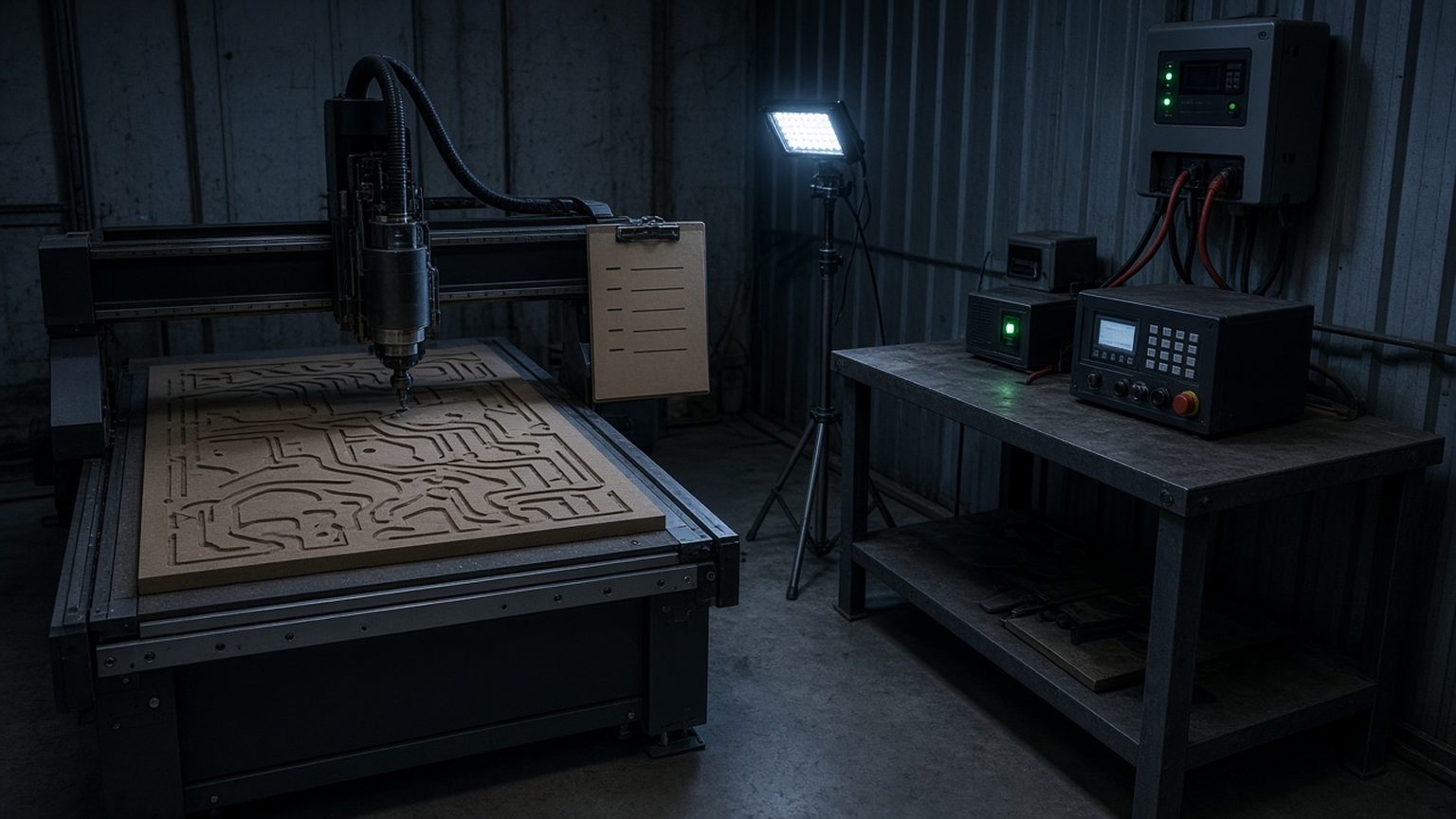
The cut stops, now what
Every workshop on our service route has the same story. The schedule says one thing, the grid does another, and halfway through a full sheet of 18mm MDF the spindle winds down and the lights go out. The first instinct is to stand there and wait for power, then hit cycle start again and hope. Please dont. A router that lost power mid move has lost its idea of where it is, even if the gantry looks like it hasn't moved a millimetre.
What follows is the restart routine we leave on a laminated card at the machines we service. It's not fancy. It takes about ten minutes, and it saves the sheet far more often than it loses one.
Before the power comes back
Switch the machine off at the isolator as soon as the lights go. When Eskom or the municipality brings supply back, there is often a short spike or two before it settles, and you want the controller and spindle drive to miss that. Leave it off for a minute or so after the lights are steady.
While you wait, write three things on the job card: the file name, the tool in the spindle, and roughly where the cut stopped. A quick phone photo of the sheet helps alot. Do not lift the sheet or nudge the hold-downs, the part is still clamped exactly where the toolpath expects it.
Home first, then think
Power up the controller and home all axes before you load anything. On most of the 6040 and 1212 machines we supply, the work offset is stored, but the machine position is not trusted until it has seen its home switches again. Once homed, jog to your X and Y zero and check it against the corner mark or datum pin. If it is out by more than half a millimetre, stop and find out why before you go any further.
Z is the one that bites. Re-touch the tool on the setter, even if you think nothing changed. A spindle that stopped in the material can leave the bit slightly pulled in the collet, and you will only find out when it ploughs a groove through the next pocket.
Resume from a safe line
Most controllers we see in SA workshops can start from a chosen line in the G-code. Pick a line a little before the stop point, at the start of a pass rather than in the middle of a profile, so the tool re-enters on a move it already made. Run it with the feed override turned down to about half for the first few seconds and you hand near the stop button. If the bit sounds wrong, it probably is.
Small kit that pays for itself
A small UPS on the controller and the PC is the cheapest insurance in the shop. It will not run the spindle, and it is not supposed to. Its job is to keep the controller alive long enough to stop cleanly and keep the position in memory. A battery work light on the wall means nobody is finding the isolator by feel. If you run a lot of long nests, ask us about a proper inverter for the controller circuit, sized for the controller and not the whole floor.
The slip we see most
Hitting cycle start straight after the power returns, without homing. It works once or twice and then it costs a full sheet and sometimes a bit as well.
How you know it is working
Your team can restart a job after a power cut without calling anyone, and the restart line on the job card is filled in by the operator, not guessed after the fact.
Written by Pieter Vos, Service Manager. Pieter runs the quarterly service plans and the route weeks outside Gauteng.
Checklist
- Isolator off when the lights go
- File, tool and stop point on the job card
- Home all axes before loading
- X, Y and Z zero checked again
- Resume from the start of a pass at half feed
Pair this runbook with
Stuck after the checklist? Email cnc@cncpme.co.za with your city, machine and a photo.