
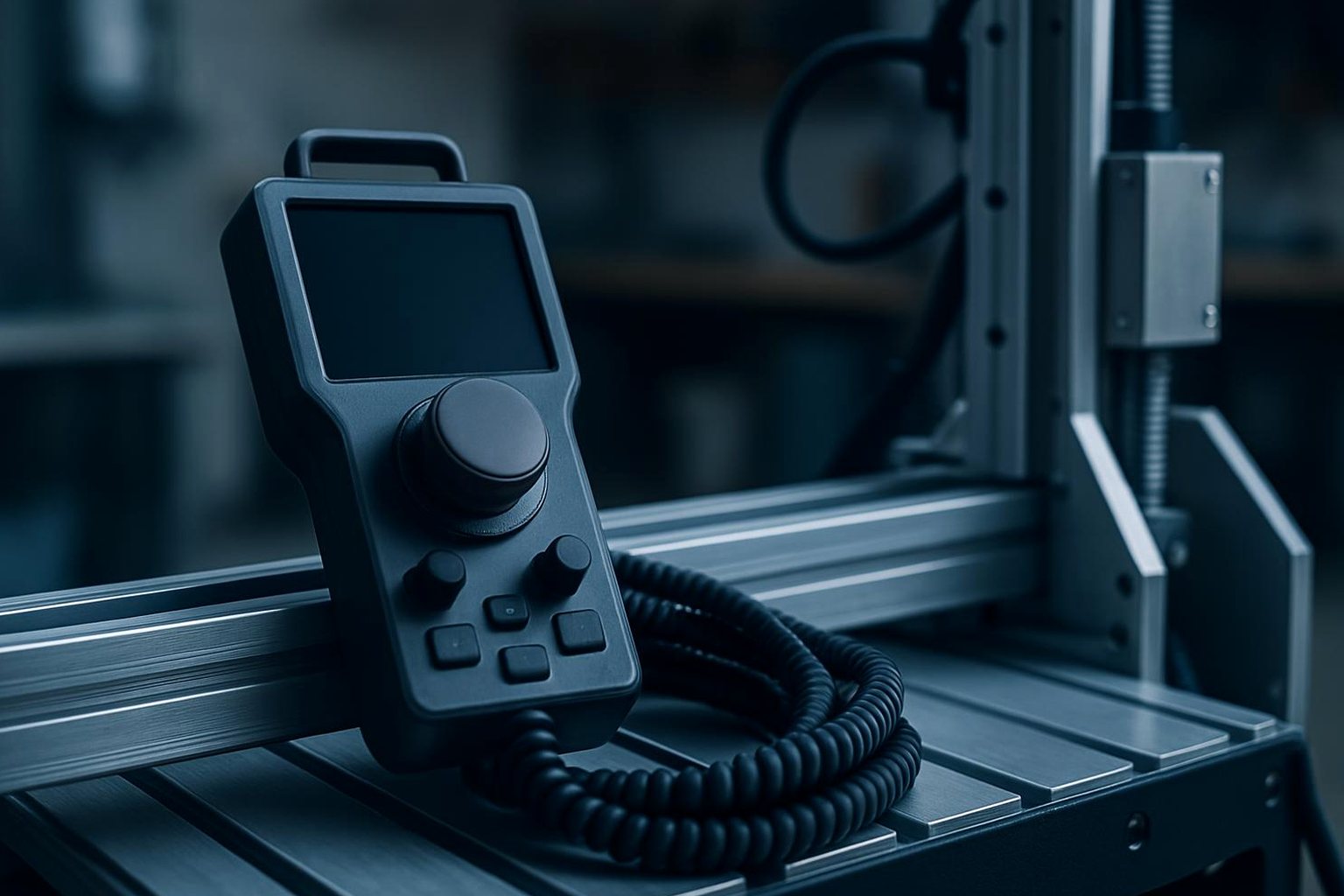
What is in the pack
- Pendant refresh
- Soft-limit map
- E-stop cue cards
- Operator day one card
- Retrofit notes
| Scope | Pendant and limits |
|---|---|
| Safety | E-stop cues |
| Docs | Map leave |
| Power | Lockout note |
| Care | Cable tidy |
| Training | Retrofit day |
Who it is for
Owners of older routers and engravers with tired pendants, missing soft limits, or controls that only one person knows how to run.
What it does on the floor
A refresh of the parts operators touch: a new handheld pendant, soft limits set and documented, emergency stop circuits checked, and a one-page map so the next operator knows what each control does.
It does not replace the whole machine. It brings an old controller up to a safe, documented state so the machine can carry on earning. Electrical work is done by a qualified electrician; CNCPME plans and documents the refresh.
Mistakes we see in the first month
- Running for years without soft limits, then crashing a gantry into the end stops.
- Leaving the only working settings on one laptop in someone's car.
- Ignoring an emergency stop that has to be pressed twice.
South African conditions
Many second-hand machines in SA came in with controllers set up for another country's language or units. A refresh is the moment to set everything to millimetres and plain English labels.
Space and power at a glance
No extra floor space. The pendant hangs on a hook near the loading side. Lockout before any work. The isolator must be clearly labelled.
Care at a glance
- Test the emergency stop at start of shift
- Hang the pendant on its hook, never on the gantry
- Check the pendant cable for damage
Spares worth keeping close: spare pendant cable, emergency stop switch, uSB stick with backed-up settings, kept off site.
Before you email
Read the specs for the numbers, the layout notes for floor space and power, and the care routine for what the machine needs each week. Then email cnc@cncpme.co.za with your city, what you cut most, and a photo of the space.