Floor
Print first, then cut
Why our sign and furniture shop floor now pairs the Router 1212 Shop with a UV flatbed printer from AM.CO.ZA, so crews print acrylic and ACM and cut it to shape on the same floor.
Essentials on this floor
Floors to read with it
We can cut the shape. Who prints the colour?
Our sign and furniture shop floor was built around one idea: one square-metre router that nests melamine in the morning and acrylic signs after lunch. It works. But almost every sign crew who visits asks the same next question: who prints the colour?
Most of them were sending printing out, waiting days, then lining up printed sheets on the bed by eye. So we went looking for a printer that fits the same small floor, and we chose a UV flatbed printer from AM.CO.ZA.
Colour was the slow part
A Router 1212 Shop cuts ACM, MDF, Perspex and ply cleanly. The bottleneck was never the cut. It was everything around it: outsourced prints, colours that did not match the client’s brand, and printed panels that shifted a few millimetres before routing.
“A sign crew can lose a whole afternoon to one misaligned panel. We wanted the print and the cut to live on the same floor.”
Andile Khumalo, who started CNCPME after years setting up router cells for East Rand sign shops
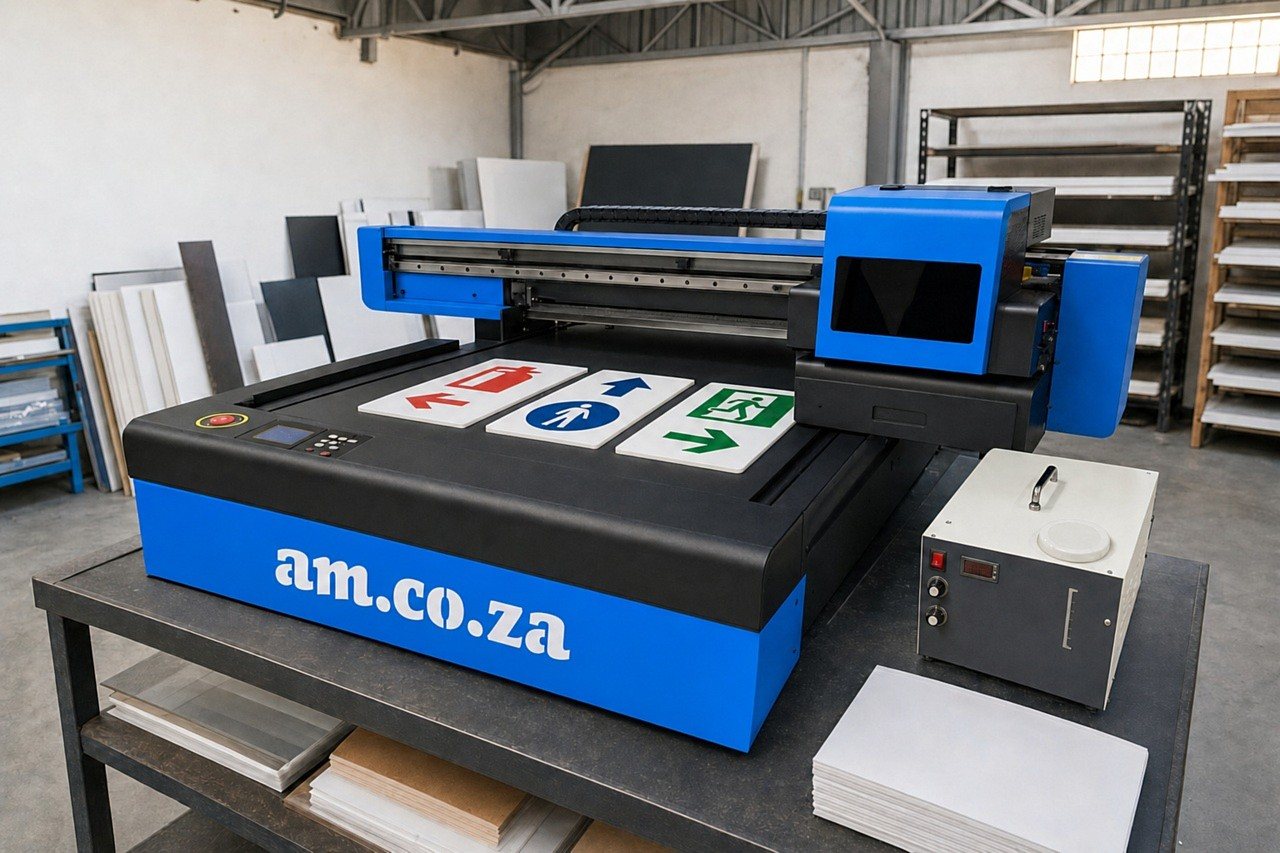
A FlatPRINT UV flatbed beside the router
The printer we now spec for this floor is the FlatPRINT F2-6090C/XP600, a desktop UV flatbed printer with a 600 × 900 mm printing area. Here is why it suits a sign shop:
- Prints straight onto rigid sheet. Three XP600 printheads lay down CMYK, white and varnish. The white layer means it can print on dark and clear material, which matters for acrylic signs.
- A camera that finds the part. Its CCD camera positioning system places the artwork on the part where it actually sits. That is the feature our crews like most, because it ties neatly into the router.
- A complete package. It comes with FlexiPRINT RIP software, UV inks and cleaner, so a shop has what it needs on day one. AM.CO.ZA lists more flatbed printers if a shop needs a different size.
How print-then-cut works on our floor
Route A: print the sheet, then cut
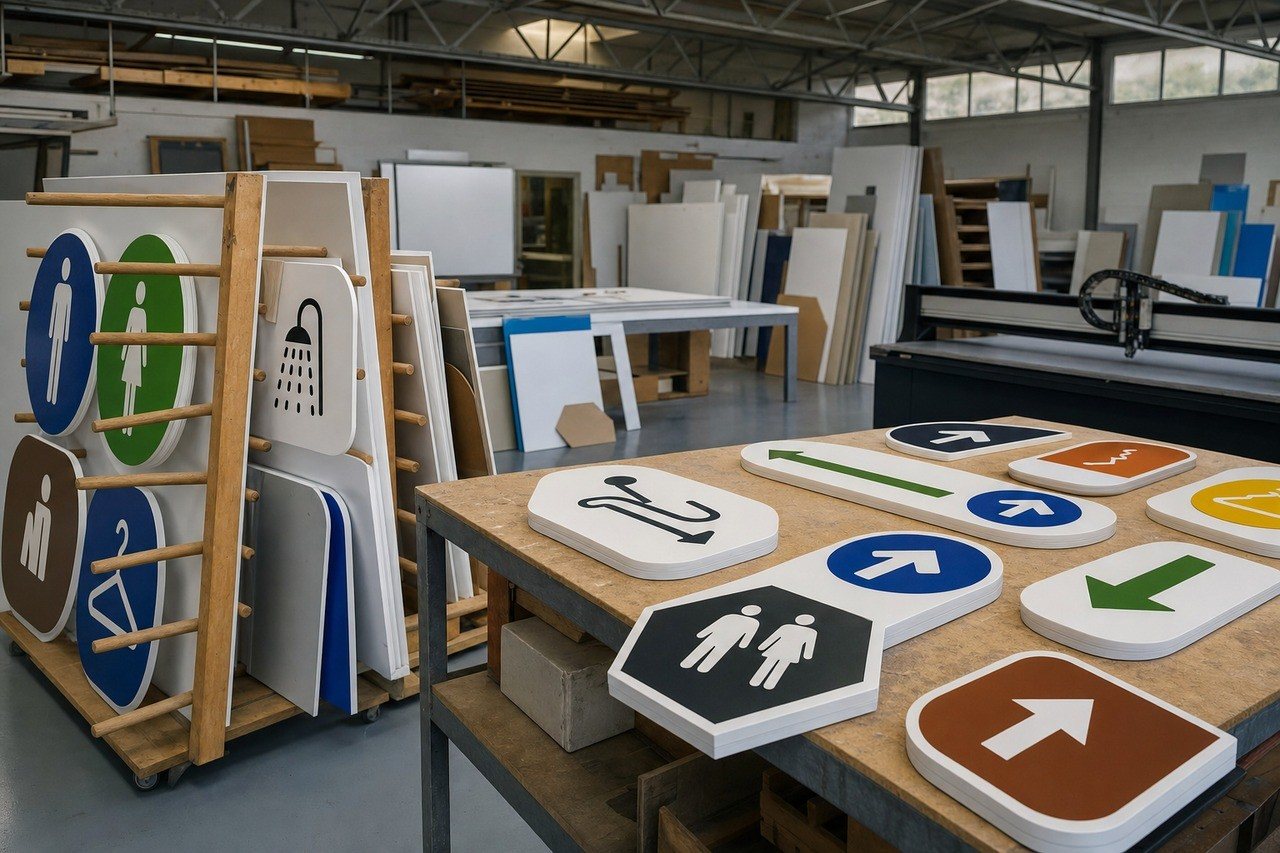
For wayfinding sets and school signage, the crew prints a full acrylic or ACM panel on the flatbed, then moves it to the 1212 bed and routes the outlines. Registration marks printed with the job keep the cut honest.
Route B: cut the shapes, then print
For small plaques, tags and badges, the router cuts the blanks first. The crew lays the offcuts loosely on the printer’s vacuum table, and the CCD camera lines up each print to the shape. No jig, no rulers.
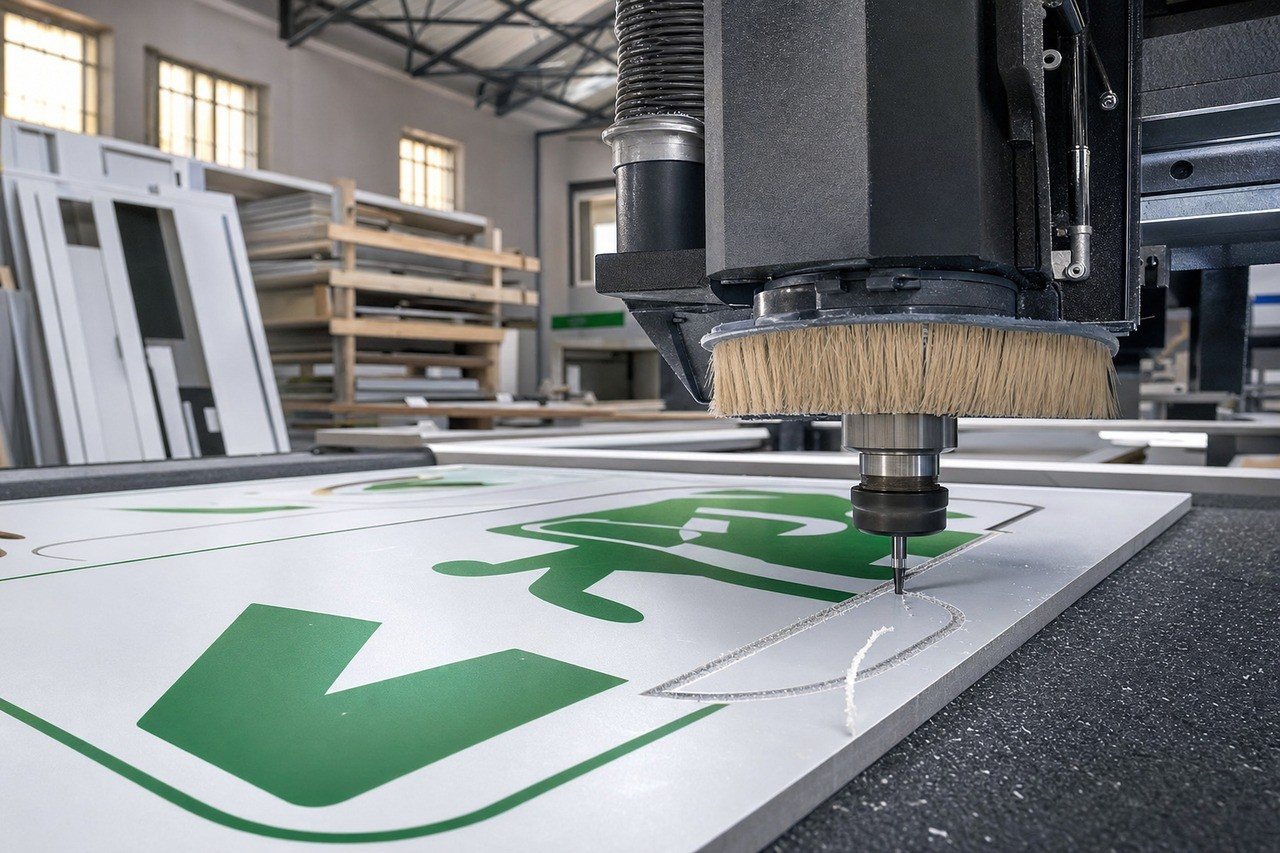
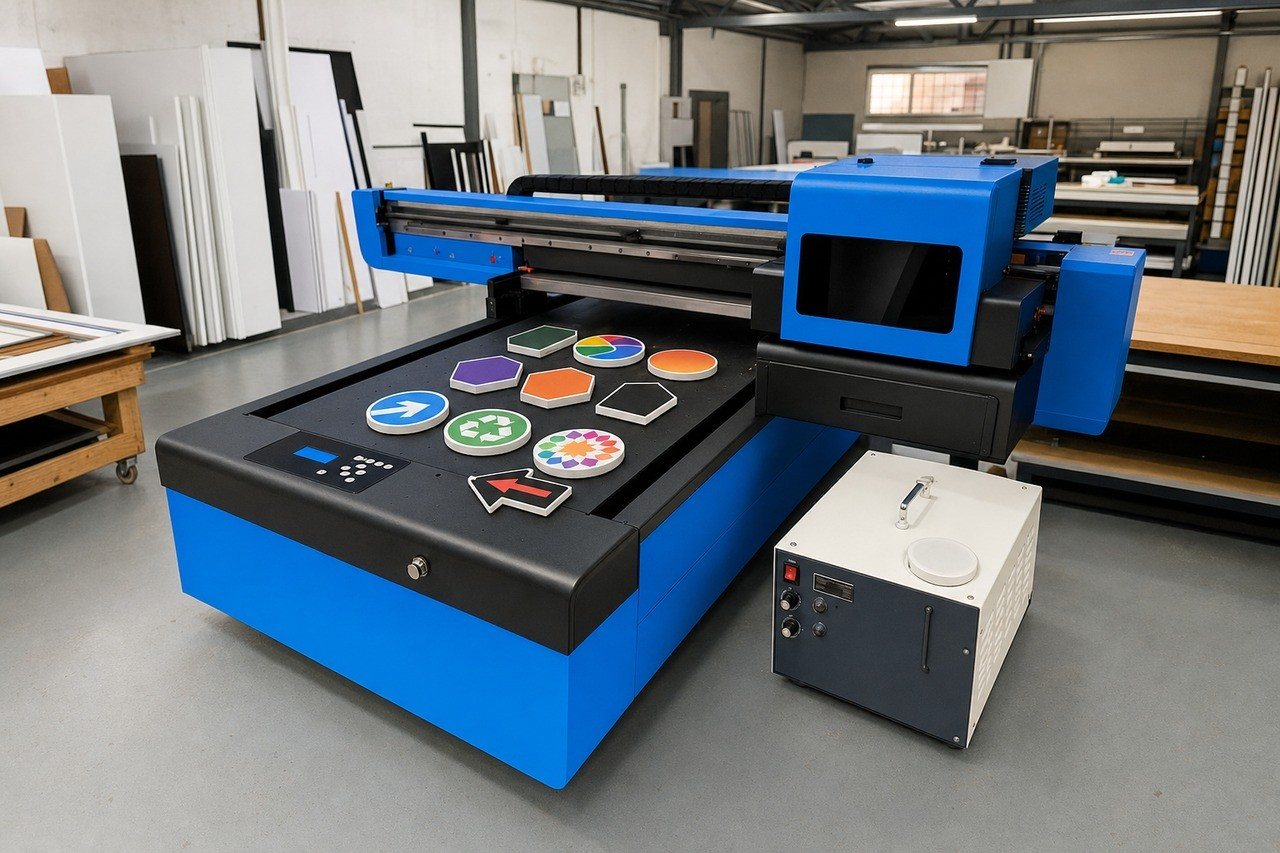
Either way, the job leaves the floor as a finished sign.
Getting colour right, and keeping heads healthy
Brand colours are what clients notice first. The FlatPRINT package includes a free voucher for the Ambitious Academy ICC Profiles Course (Online), which teaches print operators to build custom ICC profiles so colours match. New crews go through it before their first client job.
“We keep the printhead wipes next to the printer the same way the bit sets live next to the router. Close at hand means it gets done.”
Claire Els, who looks after our care kits
For daily care we keep UV ink printhead wet wipes beside the printer, just as the Spindle Care Set sits beside the router. Replacement inks are on the UV inks page. AM.CO.ZA also posts real install and repair videos on machinery.support, and their Johannesburg branch is close to our Jet Park hall.
Why we went with AM.CO.ZA
We do not carry a mountain of models, and we only recommend kit we would run ourselves. AM.CO.ZA gave us a printer that suits the same household-power, small-floor reality as our routers, a local team behind it, and a training path for colour. Good service and fair value, from people who understand workshops.
What to plan for
- Space: a sturdy bench beside the router cell, away from the dust booth’s exhaust.
- A strong PC: the CCD vision software needs a capable Windows computer with two network cards, one for the printer and one for the camera.
- Power: the printer runs on normal household 220 V power, like the rest of the floor.
- A routine: print in the morning, route after lunch, wipe heads before close.
To see the same floor without the printer, start with the sign and furniture shop setup, or browse the other floors.